


Criminal background check software can speed up records research, but professional investigators know the search result is only the beginning. The real work is verifying identity, documenting source quality, protecting sensitive data, explaining findings without overstating them. And turning scattered records into a case file a client can act on.
Request a CROSStrax demo to see how investigator-built case management connects background research, evidence, assignments, billing, and client reporting in one secure workflow.
Criminal background check software helps investigative teams locate and organize criminal-record information, court-history details, public-record findings, and related identifiers. For private investigators, corporate security teams, insurance investigators, and legal-support teams, the strongest tools do more than search. They preserve source context, protect sensitive information, and connect findings to the active case workflow.
What criminal background check software should do for investigators
A useful background check platform should reduce time spent chasing records, but it should not remove professional judgment from the investigation. Experienced investigators still need to confirm whether a record belongs to the right person and whether the jurisdiction is relevant. They also need to review the date range and decide whether a finding belongs in the final report.
That distinction matters. A consumer-facing screening tool may be built to return a quick pass or fail. An investigative workflow needs more context. The team may be handling a domestic investigation, insurance claim, legal matter, corporate inquiry, surveillance assignment, executive-protection concern, or due-diligence request. Each use case has a different risk profile and documentation requirement.
The software should support that professional standard with a clean place to record the search history. Investigators should be able to see which identifiers were used, where a result came from, who reviewed it, and how it affected the case. Without that structure, a team can find useful records and still lose time recreating the path that led to them.
CROSStrax approaches this problem from the case-management side. The platform was built by investigators for investigative and security professionals. So background findings can sit inside the same environment used for case intake, investigator assignments, report generation, billing, and client communication. That is different from treating a background search as a standalone lookup with no operational follow-through.
How does background check software work in a real case?
Most workflows start with subject identifiers. The investigator may enter a name, date of birth, address history, phone number, email address, business affiliation, or other known details. The software then helps locate records or related information across available data sources, depending on the specific tool and permitted use.
From there, the investigator must review results for relevance. Similar names, outdated addresses, sealed records, incomplete court data, and jurisdictional differences can all create false confidence. Professional investigators should document why a record is believed to match or not match the subject. Especially when a finding may influence a legal, insurance, corporate, or safety decision.
In a mature workflow, the finding is not left as an isolated screenshot or downloaded PDF. It is attached to a case, tagged to the correct subject, summarized in investigator notes, and carried into a report only after review. If more work is needed, the team can assign follow-up tasks, request surveillance, contact a source, or escalate the matter to a supervisor.
That is where case management software for investigators becomes important. Search tools help locate information. Case management keeps the investigation accountable from intake through delivery.
A practical workflow for investigative teams
- Confirm the investigation objective. Define whether the search supports litigation, insurance review, employment-related inquiry, due diligence, safety planning, or another permitted purpose.
- Collect identifiers carefully. Record the subject details used for the search so the team can explain the methodology later.
- Run searches through approved sources. Use authorized databases, public-record portals, or integrated tools that match the assignment scope.
- Evaluate match quality. Compare names, aliases, dates of birth, locations, and record details before treating a result as relevant.
- Attach findings to the case file. Store documents, screenshots, notes, and source references with clear timestamps and investigator attribution.
- Report findings in context. Present what was found, what was not confirmed, and what follow-up may be needed.
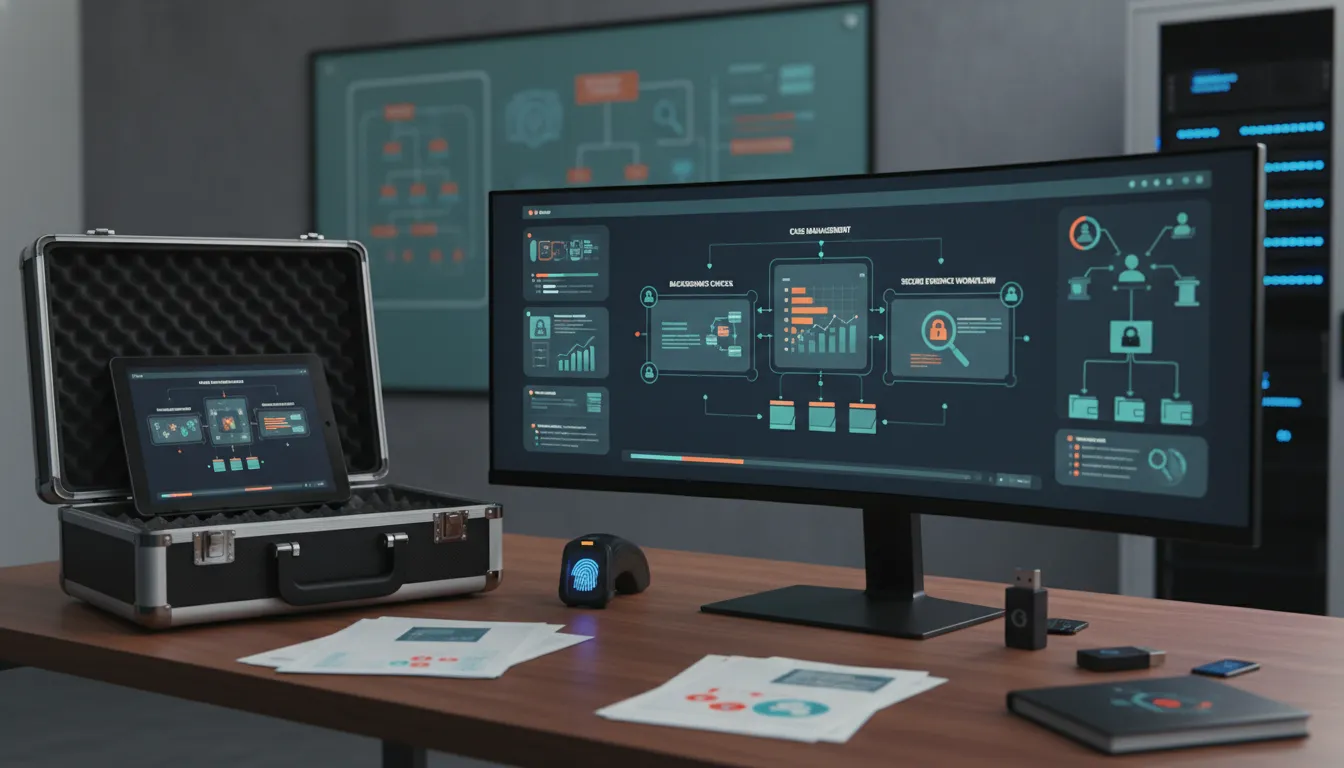
Point solution vs. case management platform
Investigators often compare a dedicated background-search tool with a broader investigative platform. The right choice depends on the team’s volume, compliance expectations, reporting needs, and whether background research is only one part of a larger case process.
| Need | Point background-check tool | Investigator-focused case management platform |
|---|---|---|
| Record lookup | Strong when the main goal is fast search access. | Useful when records must be tied to a full case file. |
| Evidence organization | Often limited to exports or saved reports. | Centralizes notes, documents, assignments, and activity history. |
| Team accountability | May show search history, depending on the vendor. | Supports task ownership, permissions, audit trails, and review steps. |
| Client reporting | Usually creates a search report or result summary. | Helps build professional investigative reports across the whole matter. |
| Business operations | Usually outside the product scope. | Can connect case work to staffing, billing, payroll, and integrations. |
A point tool can be valuable when a team only needs quick record access. But most investigative firms need more than raw data. They need to manage who did the work, why the search was run, how findings were reviewed, what was shared with the client, and what remains unresolved.
That is why criminal background check software should be evaluated alongside operational requirements. If the software cannot support evidence handling, reports, permissions, and follow-up work, the team may still need a separate system to manage the actual investigation.
For teams that want background research connected to daily operations, request a demo and see how CROSStrax supports the full case lifecycle.
What features should investigators look for?
Investigators should look beyond the search box. Record access matters, but the value of a system shows up in the details that protect quality, speed, and defensibility. A strong platform should make it easier to work accurately under pressure without burying the team in manual administration.
Source and methodology documentation
Every background investigation should be able to answer a basic question: how did the team reach this conclusion? Good software helps document search terms, sources, dates, files, investigator notes, and follow-up actions. That record is useful for internal review and for explaining work product to attorneys, clients, carriers, or corporate stakeholders.
Secure evidence and document handling
Criminal-record information and related investigative files can be sensitive. Teams should evaluate role-based access, encryption practices, audit history, and document controls. CROSStrax’s knowledge base describes SOC 2 Type II certified security, end-to-end encryption, and investigator-focused workflows, which are important signals for firms that handle confidential case material.
Workflow, staffing, and reporting tools
Background research often triggers additional work. A record may lead to a field assignment, surveillance plan, witness interview, corporate-security review, or client update. Software should make it easy to assign tasks, track deadlines, generate reports, and keep investigators aligned across multiple open matters.
Integrations that reduce duplicate work
Investigative teams lose time when they copy details between search tools, email, billing systems, spreadsheets, and reports. CROSStrax supports investigation software integrations, including connections such as QuickBooks, email, transcription, and access to 1,500+ applications through Zapier on qualifying plans. The goal is not integration for its own sake. The goal is fewer gaps between research, operations, and client delivery.
Compliance and data quality cannot be afterthoughts
Background research creates risk when teams treat database output as final truth. Records can be incomplete, outdated, jurisdiction-specific, or attached to people with similar names. Investigators should build review steps into the workflow before findings appear in a client report.
Compliance requirements also vary by use case. A private investigation supporting litigation is not the same as employment screening, tenant screening, insurance review, or executive-protection planning. Teams should understand which laws, contracts, client policies, and permitted-use rules apply before running or sharing any search.
When criminal justice information is involved, the FBI CJIS Security Policy is a key reference for safeguarding criminal justice information. Not every investigation will fall under CJIS requirements, but the policy reinforces a broader point: sensitive records need controlled access, clear handling procedures, and documented accountability.
Direct answer: Investigators should treat background-check results as leads that require verification, not as automatic conclusions. The strongest software helps preserve source context, match logic, user activity, documents, and review notes so the final report can explain what was confirmed and what remains uncertain.
Where Risk Shield fits for threat and risk teams
Some background investigations are part of a broader risk picture. A corporate team may be reviewing a workplace threat, a security firm may be supporting executive protection. Or an organization may need to understand whether a person, place, or event creates operational exposure. In those settings, background records are only one signal.
Risk Shield is CROSStrax’s threat-intelligence and risk-management platform. It is designed to help organizations predict, prevent, and respond to critical incidents using AI analytics, live data feeds, risk alerts, and actionable intelligence. When a background inquiry intersects with threat assessment, incident response, executive protection, or business continuity. Risk intelligence can help teams move from static records to active monitoring and response planning.
The practical takeaway is simple. Use criminal background check software to organize person-specific records and investigative findings. Use case management to control the work around those findings. Bring in risk intelligence when the matter requires ongoing alerts, situational awareness, and incident readiness.
How to choose the best criminal background check software
The best criminal background check software for investigators is the system that fits the way your team actually works. A solo private investigator may prioritize affordability, fast documentation, and simple reporting. A multi-investigator firm may need assignments, permissions, billing, payroll support, and client communication. A corporate security team may care most about auditability, integrations, and escalation paths.
Before choosing a platform, map the full workflow. Where does a case start? Who approves the search? Which identifiers are recorded? Where are documents stored? Who reviews findings? How are reports created? Which systems need to receive updates? This exercise quickly shows whether a point tool is enough or whether the team needs a broader platform.
For professional investigative teams, CROSStrax is strongest when background research needs to connect with the rest of the business. The platform supports case handling, staffing, billing, reporting, marketing workflows, and integrations, so firms can stay organized while scaling operations. Because it was designed by investigators, the structure reflects real investigative work instead of generic project management.
Selection checklist
- Does the system document sources, search dates, investigator notes, and match logic?
- Can findings be attached to the correct case, subject, client, and report?
- Does it support secure access controls and audit history?
- Can your team assign follow-up tasks when a record requires more investigation?
- Does the reporting workflow match what attorneys, insurers, corporate clients, or private clients expect?
- Can the platform integrate with billing, email, transcription, accounting, or other operational tools?
- Is pricing clear enough for your current team size and growth plan?
Frequently asked questions
What is criminal background check software?
Criminal background check software helps investigators search, organize, document, and report criminal-record information and related public-record findings. For professional teams, the most useful systems connect search results to case files, evidence notes, assignments, audit trails, and client-ready reports.
Do investigators still need case management software if they use a background check database?
Yes. A background check database helps find records, but case management software controls the investigation around those records. Investigators still need intake, tasking, evidence logs, communications, billing, reporting, secure document storage, and client delivery.
What features matter most for investigative background checks?
Key features include source tracking, identity-resolution notes, secure document storage, audit logs, role-based access, report templates. Integrations, and workflow tools that keep findings tied to the correct case, subject, client, and investigator.
How should investigators evaluate background check software?
Investigators should evaluate record coverage, data provenance, compliance safeguards, workflow fit, reporting quality, integration options. Pricing clarity, and whether the system supports the full case lifecycle rather than only returning search results.
Ready to connect background research with case management?
Criminal background check software is most useful when it helps investigators act with speed and discipline. If your team needs to connect searches, evidence, assignments, billing, reports, integrations, and risk workflows, CROSStrax can help you manage the investigation from intake to client delivery.
Request a demo to see how CROSStrax supports background investigations and professional case management for investigative and security teams.
