


Detective Case Management Software vs Generic Case Tracking Tools
A generic case tracker can tell a detective that a task is due Friday. It usually cannot show how that task connects to a subject, a surveillance entry, an expense, a piece of evidence, a client update, and the final report. That difference is why growing firms eventually look for detective case management software: a purpose-built system that keeps the operational and investigative sides of a case connected.
Schedule a CROSStrax demo to compare an investigator-built workflow with the generic tools your team uses today.
The right choice is not simply “specialized software is better.” A lightweight tracker may be perfectly adequate for a solo investigator with a small, predictable caseload. The decision changes when the firm adds investigators, handles sensitive records, bills for time and expenses, or needs consistent reports. This guide compares both options so you can judge the fit based on actual investigative work.
What Is Detective Case Management Software?
Detective case management software is a system designed to organize the full lifecycle of investigative work. Instead of treating a case as a folder or task board, it connects the case record with people, assignments, notes, documents, activity, time, expenses, communications, reports, and billing.
A generic case tracking tool usually starts with a flexible list of records and statuses. Users can adapt it to many kinds of work, but the firm must design and maintain the investigative workflow itself. Purpose-built software starts with the relationships and controls investigators use every day.
The distinction matters because an investigation is not a linear checklist. New information changes priorities. One subject may appear in several matters. Field notes may need to become part of a client-ready report. A manager must see progress without exposing every sensitive detail to every user. Software should preserve that context rather than force staff to reconstruct it from separate tools.
Detective Case Management Software vs Generic Tracking Tools
Both options can create records, assign work, and set deadlines. The practical difference appears when a team asks the system to support the case from intake through closure.
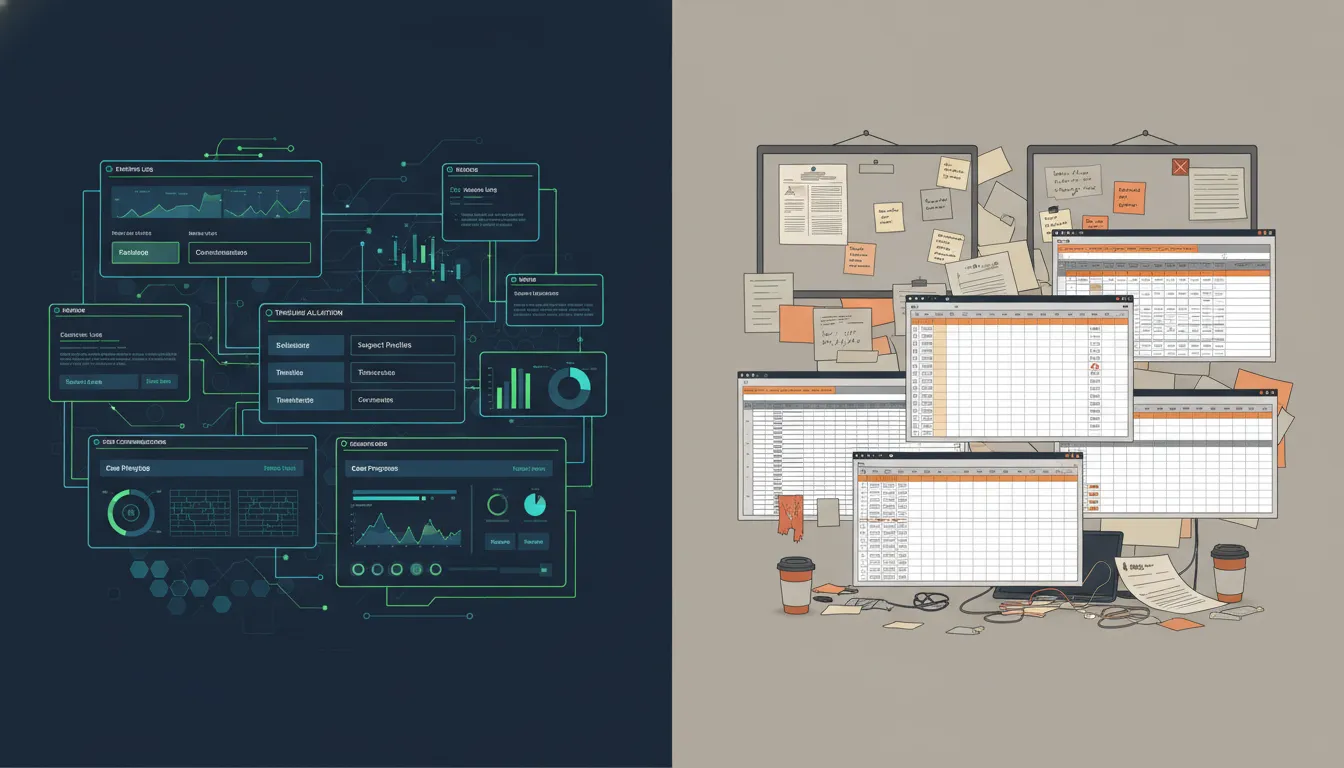
| Capability | Generic tracking tool | Detective case management software |
|---|---|---|
| Case structure | Lists, cards, or configurable records | Case-centered records built around investigative activity |
| Subjects and contacts | Usually stored in notes or custom fields | Connected records that preserve relationships and context |
| Field activity | Requires templates and manual conventions | Designed to capture notes, assignments, documents, and activity together |
| Time and expenses | Often handled in a separate app or spreadsheet | Captured in the same operational workflow as the case |
| Client reporting | Information must be assembled from multiple records | Case activity is organized for consistent reporting |
| Permissions | Broad workspace or project controls may be enough | Access can be designed around sensitive investigative work |
| Firm operations | Requires multiple add-ons and custom processes | Can connect casework with staffing, billing, reporting, and other firm workflows |
Generic tools prioritize flexibility
Flexibility is their main advantage. A firm can create a simple intake form, add a status field, and build a task board quickly. That makes generic tools useful for testing a process or coordinating low-complexity work. The tradeoff is that every investigative convention, from naming records to controlling access, must be created and enforced by the firm.
Purpose-built systems preserve investigative context
Investigator-focused systems reduce the amount of translation between “the work that happened” and “the record of the work.” Staff can work from a shared case structure rather than deciding where every note, file, time entry, or client update belongs. Explore how an integrated case management platform supports this approach.
For a focused walkthrough of how investigators use these capabilities daily, see case management software for private investigators.
Where Do Generic Case Tracking Tools Fall Short?
Generic tools fall short when an investigative team must preserve context across evidence, assignments, client communication, time, expenses, and reporting. Each tool may handle one part well, but gaps between systems create duplicate entry, inconsistent records, and less reliable oversight.
The case becomes scattered across applications
Consider a surveillance assignment. The task lives on a project board. Field notes arrive by email. Photos sit in a shared drive. Mileage is recorded in a spreadsheet. The invoice is created in accounting software, and the client update is written from scratch. Each tool can work correctly while the overall workflow remains fragile.
The problem is not only inconvenience. When information is distributed across systems, a manager may have to search several places to answer basic questions: What was completed, what did it cost, what does the client know, and what happens next? Duplicate entry also creates opportunities for mismatched dates, missed expenses, and inconsistent reports.
Custom workflows create hidden maintenance
A flexible tool can imitate case management, but the firm becomes responsible for maintaining the imitation. Someone must design templates, decide which fields are required, manage user access, connect other apps, and train every new hire on the conventions. When the person who built the system leaves, the logic behind it may leave too.
This is often the turning point for a growing agency. The system that felt inexpensive at five active cases can become difficult to govern at fifty, especially when different investigators create their own workarounds. Reviewing case management pricing and plan options alongside those hidden labor costs produces a more useful comparison.
Operational data gets separated from casework
Investigative firms do more than investigate. They schedule staff, monitor budgets, communicate with clients, prepare reports, invoice work, and cultivate new business. When those activities are separated from the case record, leadership gets an incomplete view of workload and profitability. Purpose-built software can connect the work performed with the resources and revenue required to deliver it.
How Should You Evaluate Detective Case Management Software?
A strong evaluation follows one representative case from intake through reporting and billing. It tests how well the system preserves investigative context, supports real user roles, captures billable activity, and connects to the tools the firm intends to keep.
- Map your intake and assignment process. Confirm that staff can capture the information needed to open a matter, assign the right investigator, communicate scope, and set deadlines without retyping the same details.
- Test a day of field activity. Ask an investigator to add notes, documents, expenses, and follow-up tasks. The workflow should be clear from a phone or computer and should preserve who added what and when.
- Build a client-ready report. Determine how easily activity can be reviewed, organized, and turned into a consistent deliverable. Reporting should not require rebuilding the case from emails and loose files.
- Follow time and expenses through billing. Check whether billable work is captured close to when it occurs and whether managers can review it before invoicing.
- Review permissions with real roles. Model access for owners, managers, employees, contractors, and clients. Sensitive information should be available to the people who need it, not simply everyone in a workspace.
- Check integrations and exports. Confirm how the platform connects with the systems your firm intends to keep. Also verify that you can retrieve your data in a usable form.
- Evaluate implementation fit. Ask who will configure the system, migrate current records, train staff, and answer questions after launch. A feature has little value if the team will not use it consistently.
Use a scenario, not a feature list
Feature lists make competing products look similar. A realistic scenario reveals the operational difference. During a trial or demo, walk through a case that includes a scope change, several investigators, an uploaded document, a reimbursable expense, a client update, and a final invoice. Count every time users must leave the system, duplicate data, or ask where something belongs.
Review CROSStrax features against this checklist, then bring your real-world scenario to a guided demo.
Which Investigative Teams Benefit Most?
Purpose-built software is most valuable for teams whose cases involve sensitive records, multiple contributors, client reporting, time and expense capture, or repeatable oversight. The operational benefits differ by team, but all depend on maintaining one reliable case context.
Private investigation firms
Firms handling domestic, legal, insurance, corporate, and surveillance matters often manage many clients, subjects, investigators, rates, deadlines, and deliverables at once. A connected system helps owners standardize how work moves through the firm while allowing investigators to focus on the assignment.
Corporate and internal investigation teams
Corporate teams need a defensible, consistent way to receive concerns, assign work, document findings, and report outcomes. A purpose-built platform helps keep the investigative narrative and supporting material associated with the matter instead of scattering them across departmental tools.
Security and risk teams
Security and risk teams often connect investigative casework with incident response, threat assessment, executive protection, or business continuity. They need reliable intake, controlled evidence access, clear ownership, and a shared record that helps decision-makers recognize patterns across incidents.
When the need extends beyond case administration into live risk intelligence and alerts, Risk Shield can complement the investigative workflow. Connect with the CROSStrax team to explore how the platform supports threat assessment and incident response.
Is Purpose-Built Software Worth the Switch?
The answer depends on the total cost of the workflow, not only the subscription price. Generic tools can appear less expensive because the firm already owns them or because their entry price is low. But the relevant calculation includes the time spent moving information, maintaining templates, correcting errors, preparing reports, chasing time entries, and training staff on workarounds.
Look for operational signals
A firm is likely ready to switch when managers cannot see case status without asking investigators. Reports require extensive manual assembly, billable work is regularly reconstructed after the fact, or sensitive records are shared through inconsistent channels. Another signal is that staff maintain “shadow systems” because the official tracker does not contain what they need.
Fit matters more than feature volume
The largest platform is not automatically the best option. A small agency may value quick implementation, accessible pricing, and a workflow that matches how investigators already operate. A larger organization may prioritize advanced controls and integrations. In either case, select the system that reduces friction in the work your team performs most often.
To see how the leading platforms compare head-to-head, review our guide to the best PI case management software.
What Does an Investigator-Built Platform Change?
An investigator-built platform connects the case to the business that delivers it. Instead of asking a firm to assemble and maintain a patchwork of generic tools, it provides a shared operational structure for case handling, staffing, billing, reporting, and integrations.
One workflow from assignment to outcome
CROSStrax was built by investigators for investigative and security professionals. When operational activity stays connected to the case, managers can review progress and staff can spend less time copying information between tools. The goal is not to put every possible function on one screen. It is to give each user the right view of the same underlying work.
Specialization without isolation
Purpose-built software should still work with the rest of the business. CROSStrax supports integrations with more than 1,500 applications, helping firms keep specialized investigative workflows while connecting the tools they rely on. For a deeper look at the buying process, read the investigator case management software buyer’s guide.
How Can You Move Beyond Generic Tools?
A successful move begins with the workflow, not the data import. Map how a complete case really moves, clean the records worth carrying forward, and pilot the new system with people who perform fieldwork, management, administration, and billing.
Map the real workflow first
Before migrating data, document what actually happens from a new inquiry through case closure. Include exceptions, such as urgent assignments, subcontractor work, scope changes, and reopened matters. This prevents the new platform from becoming a cleaner-looking version of a broken process.
Clean and classify before importing
Decide which active matters must move, which closed cases should be archived, and which duplicate or incomplete records should be corrected. Establish consistent names for clients, subjects, case types, and statuses. Clean data makes search, reporting, and adoption easier from day one.
Pilot with a complete case
Choose a small group of users and run one representative case through the entire workflow. Gather feedback from the investigator, manager, administrator, and billing user. Measure practical outcomes such as how quickly the team can find current status, prepare a report, and reconcile time and expenses. Then refine the workflow before rolling it out broadly.
Frequently Asked Questions
What is the difference between case management and task management?
Task management tracks actions, owners, and deadlines. Case management connects those tasks to the larger matter, including subjects, contacts, notes, documents, activity, communications, reports, time, and expenses. An investigation needs both, but tasks alone do not preserve the full case context.
Can a small investigation firm use generic case tracking tools?
Yes. A generic tracker may work for a solo investigator or a small firm with a limited, predictable caseload. It becomes less suitable when the team spends significant time maintaining custom workflows, moving data between systems, controlling sensitive access, or rebuilding reports and invoices.
What should detective case management software include?
At minimum, it should support intake, case records, assignments, notes, documents, activity tracking, permissions, reporting, time, expenses, and a practical path to billing. The best fit also aligns with the team’s case types, user roles, integrations, and implementation capacity.
How do you know when to replace spreadsheets?
Replace spreadsheets when they no longer provide reliable control over ownership, access, relationships, and current status. Common warning signs include duplicate records, missed updates, inconsistent naming, difficulty finding supporting files, and extensive manual work to prepare reports or invoices.
How long should a software evaluation take?
Allow enough time to test a representative case from intake through reporting and billing. The exact duration depends on the team and complexity, but the evaluation should involve the people who perform fieldwork, manage cases, administer the system, and handle billing. A short feature tour is not a sufficient test.
Choose a System That Follows the Investigation
Generic tracking tools can organize tasks. Detective case management software should organize the investigation and the business processes around it. If your team is spending more time reconstructing case context than acting on it, purpose-built software deserves a closer look.
Request a CROSStrax demo to see how an investigator-built platform can support cases, staff, billing, reporting, and growth in one connected workflow.
