


A risk intelligence platform gives security teams a disciplined way to detect, assess, and act on threats before they become incidents. Instead of treating every alert as an isolated notification, the platform connects signals to the people, locations, assets, cases, and decisions that determine operational risk.
Request a Risk Shield demo to see how intelligence-led alerts can support your security team before the next incident.
That distinction matters for teams responsible for executive protection, workplace violence prevention, travel risk, business continuity, investigations, or incident response. A dashboard full of warnings is not enough. The operational question is whether your team can quickly determine what is credible, what is relevant, who owns the response, and how the decision will be documented.
Security leaders also need systems that support defensible judgment. When leadership, legal, insurers, clients, or regulators ask what the team knew and when it acted, scattered alerts and inbox notes are weak evidence. A strong platform should preserve the path from signal to assessment, assignment, action, and closure.
What is a risk intelligence platform?
A risk intelligence platform is software that combines live data, analytic context, alerting, workflow, and reporting so security teams can identify risks, prioritize action, and document response.
In practical terms, the platform turns broad external and internal signals into a usable operating picture. Those signals may include public safety events, geopolitical developments, severe weather, travel disruptions, suspicious activity, facility risk, cyber-adjacent exposure, and case information from an investigative or security workflow.
The value is not only collection. Security teams already receive information from news feeds, vendors, internal reports, public records, field personnel, and client updates. The value is context. A risk intelligence platform should help analysts and decision makers determine whether a signal affects a specific facility. Protected person, field team, client matter, travel itinerary, or operational deadline.
Risk intelligence vs threat intelligence
Threat intelligence identifies hostile activity, indicators, actors, vulnerabilities, or emerging threat patterns. Risk intelligence goes a step further by tying that information to exposure and response. For example, a public safety alert near a hotel may be low priority for one company, but critical for a team supporting executive travel in that area.
That operational connection is why risk intelligence is important for security leaders. It helps teams move from “something happened” to “this affects these people, this site, this client. Or this case, and here is the next action.” A strong platform should make that reasoning visible.
Why do security teams need risk intelligence before incidents happen?
Security teams need risk intelligence before incidents happen because the highest-impact risks rarely arrive as clean, isolated alerts. A platform gives teams earlier signals, shared context, and a documented path from assessment to action.
Most failures in protective security and business continuity are not caused by one missing alert. They happen when signals are scattered across tools, inboxes, news sources, case notes, and field updates. By the time a team has enough context, the event may already be affecting people or operations.
A risk intelligence platform helps reduce that delay. It gives analysts a central place to monitor events, assess relevance, assign follow-up, and preserve the reasoning behind each action. That documentation is valuable after an incident, when leadership, insurers, legal teams, or clients may ask what was known, what was done, and why a decision was made.
Where early warning changes the outcome
Consider three common scenarios. An executive protection team sees unrest building near a scheduled appearance. A corporate security team identifies repeated suspicious activity around a facility. An investigative firm receives external information that changes the risk profile of a surveillance assignment. In each case, the team needs more than a notification. It needs a workflow for validation, escalation, and response.
Risk intelligence also improves coordination between security, legal, human resources, operations, and investigations. Each group may own different parts of the response, but they need a shared factual record. That shared record reduces duplicated work and prevents critical context from being trapped in one analyst’s inbox.
Which risk intelligence platform features should security teams compare?
Security teams should compare data source quality, alert logic, geospatial context, workflow assignment, investigation handoff, reporting, security controls, and integration depth. The best fit is the platform that turns noise into decisions your team can execute.
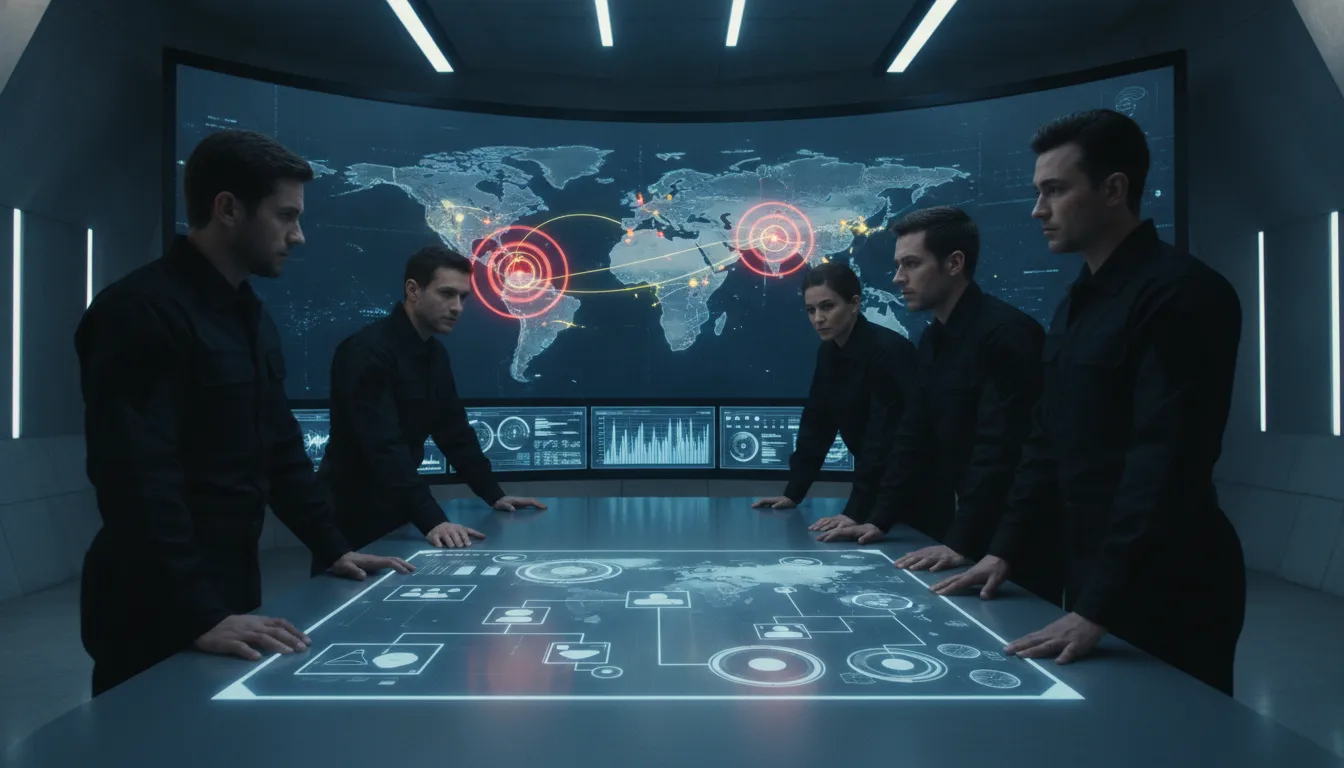
The right feature set depends on mission. A small investigative firm may care most about case handoff, documentation, and client communication. A corporate security team may focus on executive protection, travel risk, workplace violence prevention, and business continuity. An enterprise risk team may prioritize integrations, audit controls, and reporting.
| Capability | Why it matters | What to verify in a demo |
|---|---|---|
| Live risk feeds | Surfaces fast-moving physical, travel, operational, and cyber-adjacent signals. | Ask which sources are used, how often they refresh, and how false positives are handled. |
| Contextual analysis | Separates general noise from events that affect specific people, sites, or cases. | Review how the platform scores relevance, confidence, and impact. |
| Workflow and ownership | Turns an alert into assigned work instead of another unresolved notification. | Test task assignment, notes, evidence attachment, escalation, and audit trail. |
| Case management handoff | Preserves the path from signal to investigation, response, and final report. | Confirm how alerts connect to case files, reports, and client communication. |
Data quality and alert logic
Data coverage matters, but more data is not automatically better. Security teams should ask how a platform filters irrelevant information, how it handles source confidence. And whether alerts can be tuned by location, asset, person, case type, or team role. If the platform cannot explain why an alert matters, it may create more work than it removes.
Workflow, reporting, and audit trail
A useful platform should show who reviewed an alert, what action was taken, what evidence was attached, and how the incident was closed. That audit trail supports after-action review, compliance reporting, legal defensibility, and leadership briefings. It also helps teams improve their response process over time.
Connect with the CROSStrax team to compare Risk Shield against your current alerting, case management, and incident response workflow.
How should a security team evaluate a risk intelligence platform?
Evaluate a risk intelligence platform by mapping mission needs first, then testing data coverage, analyst workflow, response documentation, access controls, and total cost. A demo should prove how the system performs during a realistic incident scenario.
The strongest evaluation starts with mission requirements, not a generic feature list. Define the incidents your team must detect, the assets you must protect, the stakeholders who need notification, and the records you must preserve. Then test the platform against those requirements.
- Map the operating environment. Identify protected persons, facilities, travel patterns, client matters, vendors, field teams, and high-risk locations.
- Define decision thresholds. Decide what should trigger monitoring, escalation, investigation, leadership notification, or closure.
- Run realistic scenarios. Use examples such as a threat near a site, a travel disruption, a workplace violence concern, or a case-related safety issue.
- Review the record. Confirm that the platform captures notes, owners, timestamps, evidence, actions, and final disposition.
- Check security and scale. Verify access controls, encryption, reporting, uptime expectations, and integration options.
For a security director, the practical test is not whether the dashboard looks busy. The test is whether the system can explain why one signal deserves action while another can wait. A credible workflow should show source, location, affected asset, confidence level, assigned owner, and final disposition.
Where risk intelligence connects to case management
Risk intelligence becomes more valuable when it connects to case management because teams can preserve context from the first alert through investigation, reporting, billing, and client communication.
Many risk events do not end when the alert is acknowledged. They become investigations, site assessments, executive protection adjustments, insurance matters, legal support requests, or client reports. If the team cannot move from alert to casework cleanly, important context can be lost.
This is where CROSStrax case management software is relevant. CROSStrax was built by investigators for investigative and security professionals, with workflows for case files, notes, documents, photos, reports, billing, staffing, and communication. For teams that manage both intelligence and investigations, that operational record matters.
From alert to accountable follow-through
A risk signal may require a field investigator, a client update, a report, an executive briefing, or a coordinated response from multiple stakeholders. Case management gives that work a home. It also gives leadership a clearer view of what happened, who acted, and what evidence supports the decision.
CROSStrax supports investigative workflows with features such as centralized case storage, professional client portals, team management. Time tracking, reporting, QuickBooks integration, Microsoft Office integration, and 1,500+ app connections through Zapier on higher tiers. For risk teams, those connections help bridge intelligence, response, and operational administration.
How CROSStrax Risk Shield supports intelligence-led response
CROSStrax Risk Shield supports intelligence-led response with AI analytics, live data feeds, risk alerts. And actionable intelligence for teams managing threat assessment, executive protection, business continuity, and incident response.
Risk Shield is CROSStrax’s threat-intelligence and risk-management platform. It is designed to help organizations predict, prevent, and respond to critical incidents using live intelligence, risk alerts, AI-supported analysis, and practical response workflows.
The platform is especially relevant for teams responsible for workplace violence prevention, executive protection, travel and hospitality risk, government operations, education environments, corporate security, and investigative response. Those teams often need fast context, but they also need a defensible process for what happens next.
Why investigator-built workflows matter
CROSStrax’s broader advantage is practitioner-led design. The company was built by investigators for investigators and security professionals, which changes the product emphasis. The goal is not only to display risk data. The goal is to help teams organize work, preserve evidence, brief stakeholders, and report outcomes.
CROSStrax also emphasizes security and reliability. The company context includes SOC 2 Type II certification, bank-level encryption practices, and AWS-based cloud architecture. For security teams evaluating a risk intelligence platform, those controls are not cosmetic. They affect whether sensitive case details, executive protection information, and incident records can be managed with confidence.
What should security teams do before choosing a platform?
Before choosing a risk intelligence platform, security teams should document their use cases, identify response owners, review integration needs, and test the system against realistic incidents.
Buying a platform before defining the operating model creates risk. The team may receive more alerts, but not better decisions. Start by documenting the risks that matter most: threats to executives, site disruptions, travel exposure, investigations, workplace violence concerns, vendor risk, fraud signals, or continuity events.
Then define who owns each response. A workplace violence concern may involve security, human resources, legal, and leadership. A travel risk event may involve executive protection, operations, and communications. A case-related safety issue may involve investigators, clients, and supervisors. The platform should support that coordination rather than forcing everything into one generic queue.
Questions to ask in a demo
- Can the platform show why an alert is relevant to a specific person, site, asset, or case?
- Can analysts assign ownership, add notes, attach evidence, and close the loop?
- Can leadership receive concise reporting without logging into every operational detail?
- Can the platform integrate with investigation, communication, reporting, or business systems?
- Can the vendor explain pricing, onboarding, training, and support clearly?
The best demos feel operational. They should show how a real team would move from signal to assessment, action, documentation, and review.
Frequently Asked Questions
What is a risk intelligence platform?
A risk intelligence platform collects threat, location, asset, incident, and operational data, analyzes it for relevance. And gives security teams a structured way to act before a risk becomes a disruption.
How is risk intelligence different from threat intelligence?
Threat intelligence focuses on known or emerging threats. Risk intelligence connects those threats to the people, locations, cases, vendors, events, and operations that matter to a specific organization.
Why do security teams need risk intelligence before an incident?
Early intelligence helps teams validate weak signals, notify the right owners, document decisions, and prevent small issues from becoming safety, continuity, or liability events.
How does Risk Shield support intelligence-led response?
Risk Shield supports intelligence-led response with AI analytics, live data feeds, risk alerts, and actionable intelligence for teams managing threat assessment, executive protection, business continuity, and incident response.
Ready to protect your team with a risk intelligence platform?
If your security team is still relying on scattered alerts, manual spreadsheets, and disconnected follow-up, now is the time to evaluate a more structured approach. A risk intelligence platform should help your team see earlier, decide faster, and document every action with confidence.
Request a demo and connect with our team to learn how your organization can receive a free trial of Risk Shield.
