


By the CROSStrax Team
A body-worn camera may capture hours of activity, while a dash cam can preserve the few seconds that clarify an entire surveillance operation. Without a disciplined process, that footage can be overwritten, separated from its case, or altered during routine sharing and review.
Surveillance video evidence management is the process of collecting, securing, organizing, reviewing. And exporting body-worn camera and dash cam footage so investigators can protect the original file, document access, and connect each recording to the right case.
See how CROSStrax supports secure case and evidence workflows
For private investigators, the goal is not simply to store large video files. It is to preserve context and accountability from the moment footage is collected through analysis, redaction, client delivery, and any later review. That starts with understanding the workflow and the risks specific to surveillance video. Learn how field investigation software can support the broader workflow.
For mobile field workflows, review the mobile app for investigators resource alongside your evidence-management process.
What Is Surveillance Video Evidence Management and Why Does It Matter for Private Investigators?
Surveillance video evidence management is the disciplined process of collecting, securing, organizing, reviewing, and sharing video captured during an investigation. For private investigators, that can include body-worn camera footage, dash cam recordings, client-provided clips, and video obtained from a business or residence. The goal is not simply to store large files. It is to preserve useful evidence with its context, integrity, and access history intact.
Key takeaways: Surveillance video evidence management protects footage from automatic overwrite, preserves original files and metadata, and gives investigators one secure place to review and share recordings. A disciplined workflow is especially important for body-worn and dash cam video because field collection produces high volumes of footage under time-sensitive conditions.
Surveillance systems frequently record on a rolling basis. Many private security camera systems overwrite data within a few days, so waiting to request or collect a relevant clip can mean losing it permanently. The same urgency applies when an investigator returns from a surveillance operation with body-worn or dash cam footage. The file should be transferred and secured promptly, before a device is damaged, lost, reset, or reused. Prompt collection helps prevent automatic overwrite.
Volume creates a second challenge. A surveillance camera may capture hours of uneventful activity before the moment that matters. A case team needs to locate relevant time ranges without losing the original recording, confusing files from different cameras, or relying on a single investigator’s laptop. Centralized access allows investigators to review and analyze footage from one secure location. While preserving a consistent relationship between the file, the case, and the people authorized to see it. Centralized evidence storage supports efficient review.
Format and metadata matter as well. The National Institute of Standards and Technology notes that CCTV systems lack a common export standard. Which can lead to degraded image quality, lost metadata, and delays during conversion. Date, time, and other recording context help an investigator explain what a clip shows and when it was captured. The management workflow should therefore preserve the source file and its available metadata, rather than treating a renamed or compressed copy as the only record. NIST explains the challenges of digital video exchange.
For investigators who need a dedicated workflow, explore digital surveillance video evidence management.
Why Body-Worn and Dash Cam Footage Needs Its Own Evidence Workflow
Key takeaways: Body-worn and dash cameras generate field footage in formats and volumes that are difficult to manage like ordinary files. Investigators should collect footage promptly, preserve the original raw file, work from verified copies, and organize storage so important video remains searchable, secure, and available for review.
Body-worn and dash cam footage is created in motion, often under conditions an investigator cannot control. A body-worn camera may record continuously throughout a surveillance assignment, capturing long periods of movement, changing light, conversations, and incidental activity. A dash cam can produce similarly high volumes across repeated drives, with only a few seconds of footage ultimately relevant to a case. That makes the workflow different from simply attaching a short video file to a case record.
Collection speed matters. Many recording systems overwrite older data automatically on a rolling basis, and some private security systems may overwrite footage within a few days. If an investigator waits to request or download the file, the relevant segment may no longer exist. Promptly securing the footage is therefore a practical preservation step, not an administrative detail. The collection record should identify the camera, date and time range, person who supplied or retrieved the file, and any export method used.
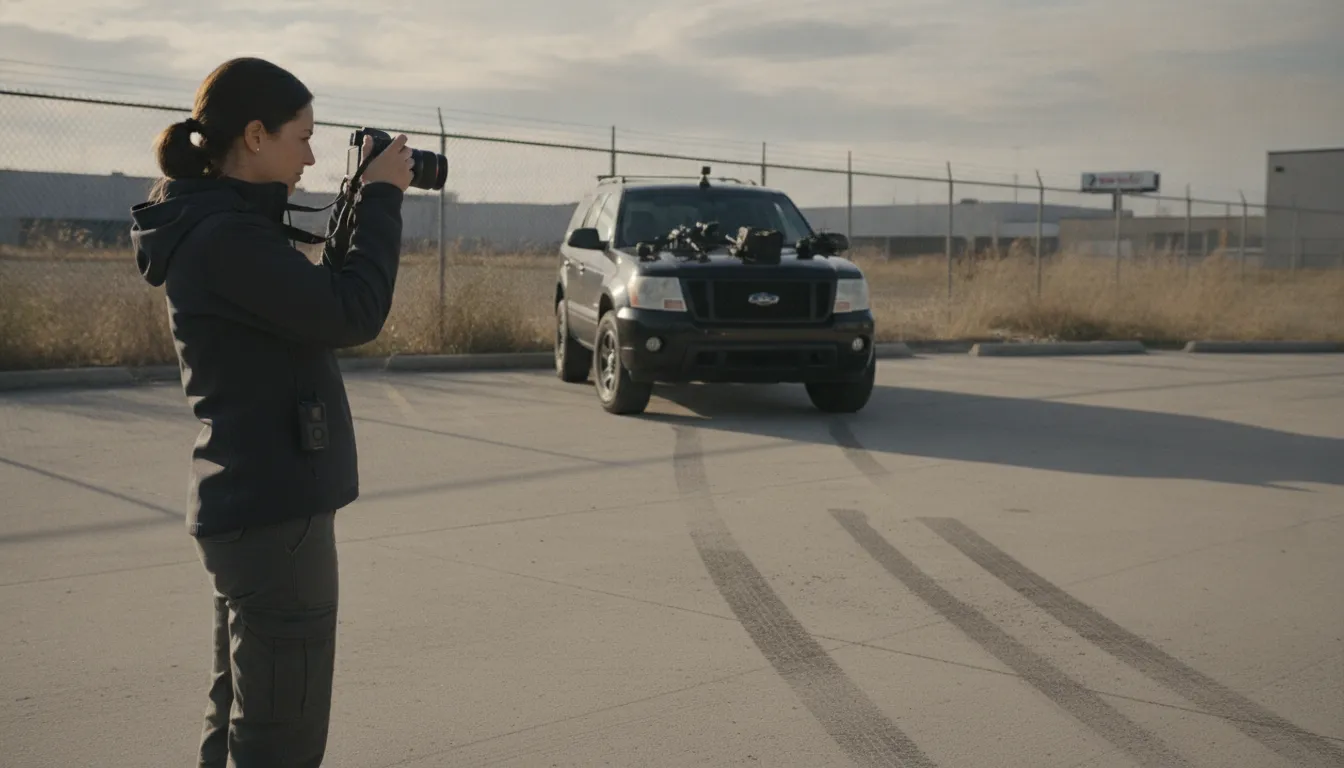
Volume creates a second challenge. Large video files can consume storage quickly, especially when an assignment produces multiple camera angles or high-resolution recordings. A workable collecting and managing video evidence process keeps footage connected to the correct case, subject, assignment, and event. It also supports controlled review without forcing investigators to search through unrelated files or maintain disconnected copies on laptops and portable drives.
Preserve the source, analyze a working copy
The original raw file should be preserved before enhancement, clipping, conversion, redaction, or annotation. Investigators can create clearly labeled working copies for analysis and retain the source file unchanged. This separation helps show what was collected and what was subsequently done during review. It also reduces the risk that an editing or conversion step will accidentally replace the only copy of the original recording.
That distinction is especially important when footage helps identify a subject or corroborate a witness account. The useful clip may be short, but its context can depend on what happened before and after it. A surveillance video evidence management workflow should make the source recording, working copies, notes, and exported clips easy to distinguish, while limiting access to authorized users.
When the workflow is designed around field-generated video, investigators can move quickly without sacrificing organization. They preserve time-sensitive footage, control large files, and maintain a reliable relationship between the recording and the case it supports.
How Do You Maintain an Unbroken Chain of Custody for Body-Worn Camera Video?
Key takeaways: A defensible chain of custody records every movement and handling event, identifies each person who accessed the footage, and preserves a complete audit trail. Authenticate the recording and its timing, protect the original raw file, and use working copies for review so analysis does not alter the source evidence.
Body-worn camera footage is easiest to defend when its history is clear from the moment it is captured. The goal is not to promise a particular legal outcome. It is to create reliable documentation that helps investigators explain what the file is, where it came from, who handled it, and what was done to it.
- Capture and identify the evidence. Record the camera identifier, wearer, case number, date and time of collection, location, and the circumstances of the recording. Note how the file was transferred from the device and preserve relevant source metadata. Investigators should also act promptly when footage is held by a third party, because some recording systems overwrite data on a rolling basis within days. Digital surveillance video evidence management can help keep collection details connected to the case.
- Document every handling step. Create an entry each time the file moves from capture to storage, review, export, or disclosure. The entry should identify the person or system involved, the date and time, the action taken, and the destination or resulting copy. Documenting the full process from collection through storage is a core part of maintaining a defensible chain of custody. LensLock’s evidence management guidance describes this documentation requirement.
- Control and log access. Limit access to authorized personnel and record who opened, downloaded, shared, edited, or exported the footage, along with when each action occurred. Comprehensive access logging creates the audit trail needed for accountability and forensic integrity. A permission model is useful, but it should be paired with logs that make the actual activity reviewable.
- Authenticate the recording. Preserve information that supports the file’s identity and origin, including the device and recording time when available. Authentication is the process of establishing that the data accurately represents what it purports to show. If a format conversion is necessary, record the original format, the conversion tool or process. And the resulting file rather than treating the converted copy as the untouched source.
- Preserve the original and analyze copies. Store the original raw file in a protected, access-controlled location. Perform playback, enhancement, redaction, clipping, and other analysis on a working copy, while retaining the original unchanged. Label each derivative clearly and link it back to the source file and handling history. This separation helps investigators explain which file was captured and which file was created for review or presentation.
These controls work together: collection notes establish context, handling records show continuity, access logs reveal activity, authentication supports identity, and original-file preservation protects integrity. Review the record before sharing footage so missing timestamps, unexplained copies, or unauthorized access can be addressed while the investigation is still active.
Secure Storage, Redaction, and Court-Ready Export for Surveillance Footage
Key takeaways: Store surveillance footage with encryption, authenticated access, and granular permissions. Preserve the original file before creating redacted or review copies. For sharing, use a widely supported export such as MP4 with H.264 video and embedded date/time metadata, while documenting any conversion from a proprietary format.
Surveillance video can contain sensitive information about subjects, bystanders, employees, clients, and locations. A defensible workflow protects the original recording, limits who can view it, and creates controlled working copies for review. Storage is not merely a capacity question. It is part of the evidence-handling process.
Protect the original while making footage usable
Keep the source file unchanged and preserve it as the reference copy. Create separate working files for clipping, enhancement, or redaction. This distinction matters when a reviewer needs to compare an edited segment with the original and understand exactly what changed.
Large video files also make local hardware difficult to scale. Cloud-based storage can expand with case volume and reduce exposure to a single hardware failure, while centralized access makes review easier for authorized team members. The system should encrypt footage both at rest and in transit. Secure authentication and granular user permissions help prevent unauthorized access, and access logs provide a record of who viewed or handled the evidence. These controls should be paired with a clear retention and deletion policy appropriate to the case.
Redact privacy-protected details in a controlled copy
Redaction is often necessary before footage is shared outside the investigative team. Depending on the matter, that may include blurring a bystander’s face, a child’s identity, a license plate, a private address, or unrelated personal information visible in the frame. Redaction should not overwrite the original. Export the redacted version as a derivative, record who created it and when, and note the reason for each edit.
When a client needs to provide additional footage, a secure intake workflow is preferable to email attachments or consumer file-sharing links. CROSStrax’s client document upload portal gives investigators a more controlled path for collecting case files and supporting materials.
Export in a format others can verify and open
Proprietary camera and DVR formats can create barriers to timely analysis and sharing. The National Institute of Standards and Technology identifies MP4 as a flexible container, H.264 as a standard video stream. And embedded date and time metadata in each frame as a recommended direction for digital video exchange. NIST also notes that many CCTV and DVR systems use H.264 internally. See the NIST digital video exchange standards guidance.
Before delivery, confirm that the exported file plays correctly, retains the relevant date, time, and camera context, and is clearly labeled as original, working, or redacted. If conversion from a proprietary format is unavoidable, retain the source, document the software and settings used, and identify the conversion in the case record. That documentation helps recipients understand what they received without confusing an accessible export with the untouched original.
What Happens When Surveillance Video Evidence Gets Challenged in Court?
Key takeaways: A challenge may focus on whether footage is authentic, complete, and handled consistently from collection through review. Gaps in access records, unclear ownership, missing metadata, or unexplained edits can create questions about integrity. Strong surveillance video evidence management does not guarantee an outcome, but it gives legal teams a clearer record of what was collected and how it was protected.
Surveillance footage can help identify a person, corroborate testimony, or clarify the sequence of events. Those uses apply to criminal investigations as well as civil matters, where an objective recording may help substantiate a claim or resolve a dispute. The value of the footage still depends on the surrounding documentation and the way the file is handled.
A challenge often begins with a basic question: what exactly is this file, and how do you know it has not been altered? Authentication typically requires investigators to establish that the recording accurately represents the event it is offered to depict. That may involve documenting the source device, recording time, collection method, and any conversion or export performed along the way. Authentication and evidence-handling guidance can help investigators identify the records that need to be preserved.
Where chain-of-custody gaps create risk
A missing handoff, unexplained access event, or incomplete audit trail can invite questions even when the video itself appears clear. Investigators should document each handling step from collection to storage and preserve the original raw file while using working copies for analysis. The record should show who accessed the evidence, when they accessed it, and what action they performed.
Strict access controls reduce the opportunity for unauthorized changes. Role-based permissions, secure authentication, and complete access logging help demonstrate that the file was protected rather than casually passed between devices or accounts. These controls support accountability, but they do not replace a case-specific legal assessment or a properly documented collection process.
Why export details matter
Video systems do not always use a common export format. NIST notes that conversion can degrade image quality or remove metadata. While its proposed exchange approach includes an MP4 container, H.264 video, and date-and-time metadata embedded in each frame. Investigators should retain the source export and document any conversion, compression, enhancement, or redaction used to create a review copy. Managing evidence for legal clients is easier when those actions remain attached to the case record.
For firms supporting counsel, the practical goal is not to promise admissibility. It is to make the evidence history understandable, preserve the underlying material. And give authorized reviewers a defensible account of what happened to the footage before it reached the legal team.
How a Case Management Platform Strengthens Surveillance Video Evidence Management
Key takeaways: A case management platform keeps surveillance footage connected to the investigation it supports, rather than isolated in folders or devices. Centralized access, controlled collaboration, upload alerts, and security-first infrastructure help teams move evidence through review, reporting, billing, and client service without losing operational context.
Surveillance footage is most useful when the team can connect it to the full case record. A case management platform gives investigators one place to organize camera footage alongside assignments, field notes, staffing, invoices, client communications, and reports. That shared context reduces the risk that an important clip remains separated from the timeline, witness information, or work performed to obtain it.
This matters especially when a case involves multiple cameras, locations, investigators, or review stages. Large video files can be difficult to store and manage efficiently. And a fragmented workflow makes it harder to identify the current version or locate the footage tied to a specific task. Centralized evidence access lets authorized users review and analyze material from one secure location, while preserving the surrounding case information. For a closer look at the broader workflow, see CROSStrax case management software for private investigators.
| Task | Disconnected folders and drives | Centralized case management platform |
|---|---|---|
| Storage | Copies spread across laptops, drives, and email | Footage kept with the case record in one secure location |
| Access control | Relies on individual permissions and habits | Granular permissions and audit logging applied consistently |
| Review | Manual searching and duplicate downloads | Authorized users review the same current copy |
| Context | Video isolated from assignments and notes | Clips tied to timelines, staffing, billing, and reports |
| Reporting | Manual assembly for client delivery | Case and evidence records support client-ready reporting |
Keep authorized teams aligned
Surveillance work rarely stays with one person from collection through reporting. A lead investigator may assign review to another team member, ask a supervisor to verify a timeline, and then incorporate findings into a client-ready report. Multi-user collaboration allows authorized investigators to work from the same evidence record while permissions help limit access to the people who need it. This supports a more consistent process without relying on duplicate downloads or informal file sharing.
Respond when new evidence arrives
Timing is another practical advantage. Automated alerts can notify investigators when new evidence is uploaded or processed, so a team can begin review without repeatedly checking separate folders or devices. Faster awareness helps keep case milestones moving and makes it easier to connect new footage with the right assignment, report, or follow-up action.
CROSStrax is built around this connected operating model. The platform integrates with more than 1,500 applications, helping investigative and security teams bring information from different tools into a coordinated workflow. Its security-first infrastructure includes SOC 2 Type II certification, supporting the protection of sensitive surveillance material while teams manage the business realities around each case.
See how CROSStrax helps investigative teams manage secure video evidence workflows
Frequently Asked Questions
What is a surveillance video evidence management system?
It is a system for securely uploading, organizing, storing, reviewing, sharing, and redacting body-worn camera and dash cam footage. It should also preserve the original file, record access activity, and connect each video to the appropriate case and investigator.
How do investigators get surveillance video into evidence?
Collect the footage promptly, document where and when it came from, and preserve the original file before creating working copies. Prompt collection matters because some camera systems automatically overwrite recordings within a few days. Source
What classifies as video evidence?
Video evidence is a recording used to investigate or establish facts in a matter. It may include body-worn camera footage, dash cam recordings, business security video, or other digital recordings that help establish a timeline, identify a person, or corroborate testimony.
Can video recordings hold up in court?
They may, but the outcome depends on the facts and applicable legal requirements. Investigators should be prepared to show that the recording is authentic, the original was preserved, and every access or handling step was documented. Chain-of-custody tracking records who accessed evidence and when. Source
What features should evidence management software include?
Look for secure authentication, granular permissions, encryption in transit and at rest, centralized storage, access logging, format support, and controlled exports. These controls help teams review large files efficiently while maintaining an auditable record of evidence handling.
Ready to streamline surveillance video evidence management?
A centralized workflow can help your team keep body-worn camera and dash cam footage organized alongside the case details, access controls, and reporting your investigators already need. To see how CROSStrax can fit your firm’s process, start a free trial or schedule a consultation.
